Boost your typing speed with custom shortcuts. Access them instantly through a custom keyboard and streamline your workflow.
 On a computer?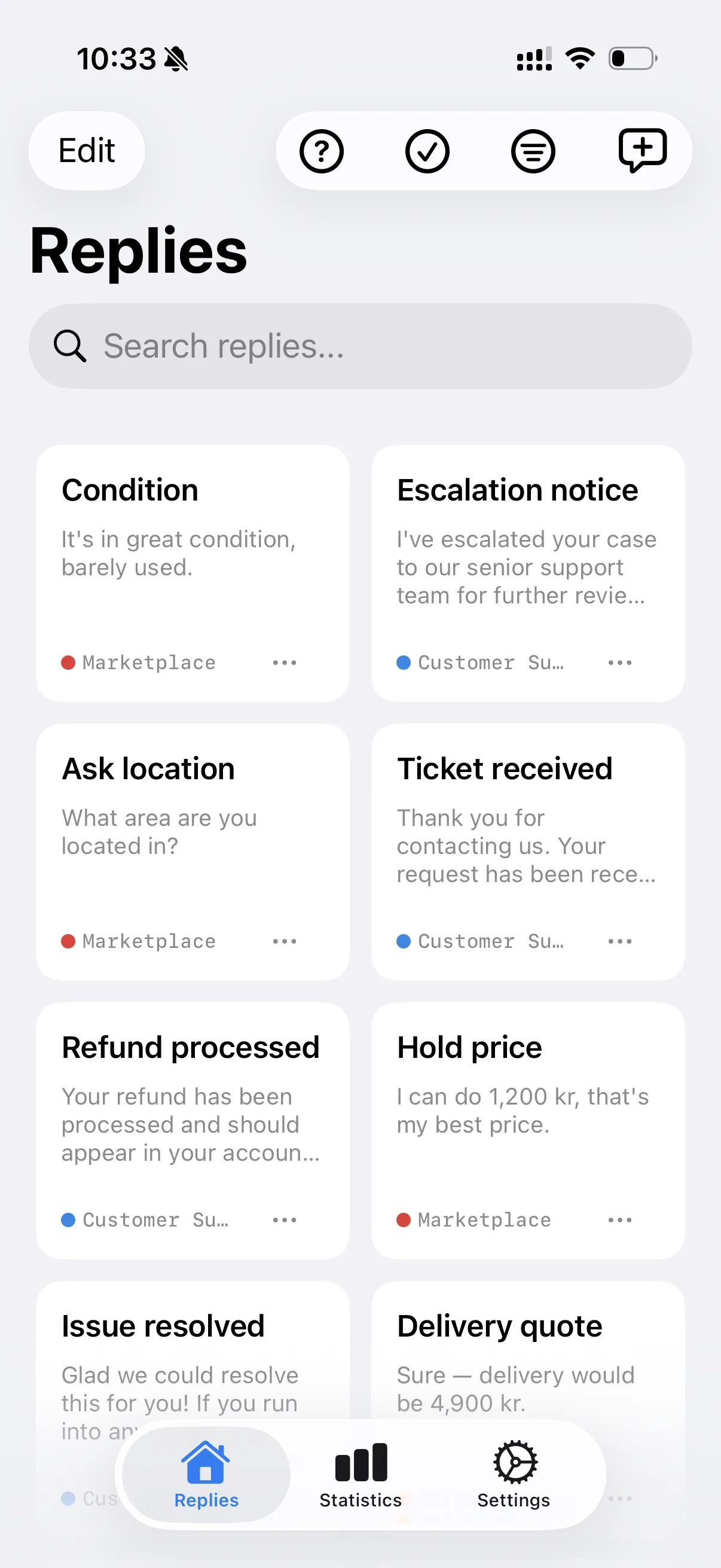
Save your most-used phrases once and drop them anywhere with a tap. No more retyping the same replies.
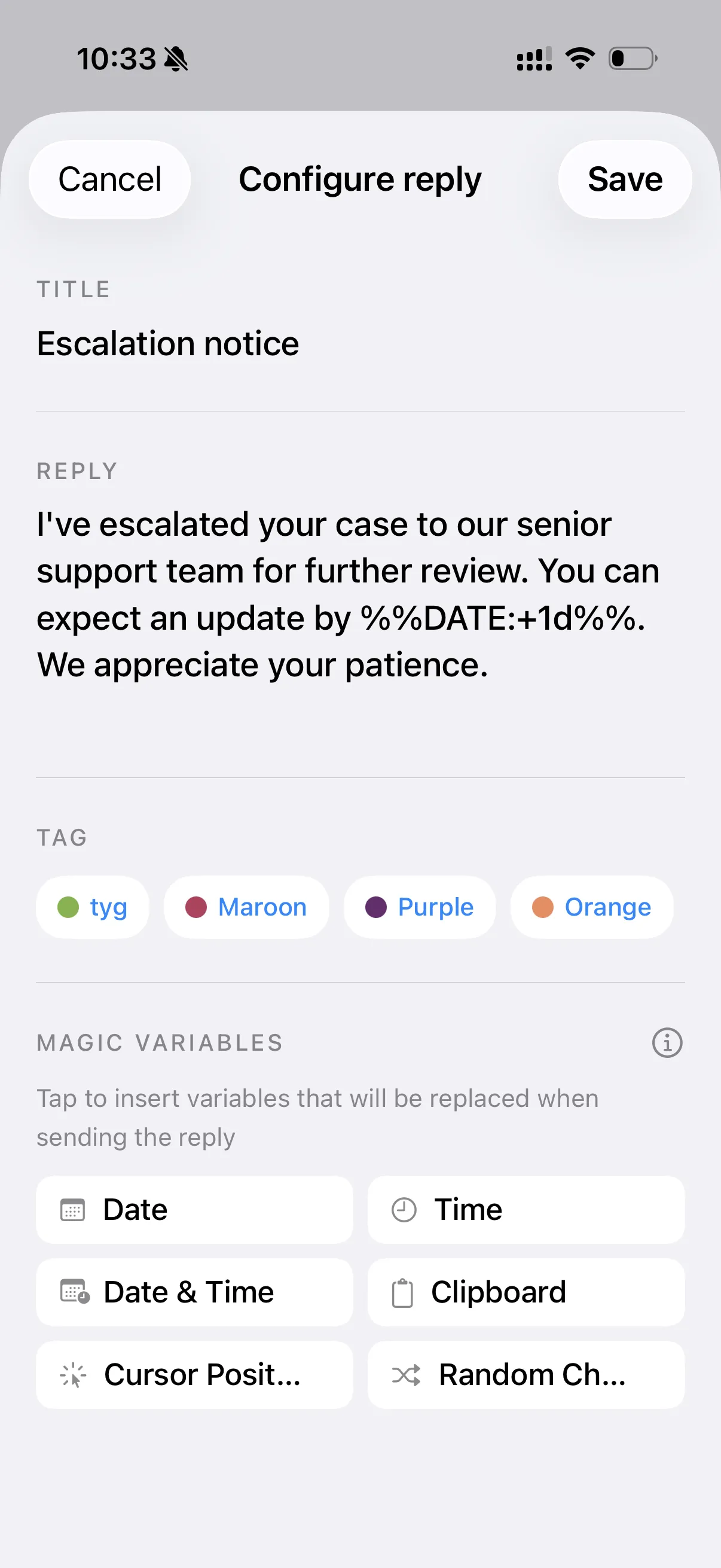
Create and manage snippets for the texts you send most — signatures, replies, links and more.
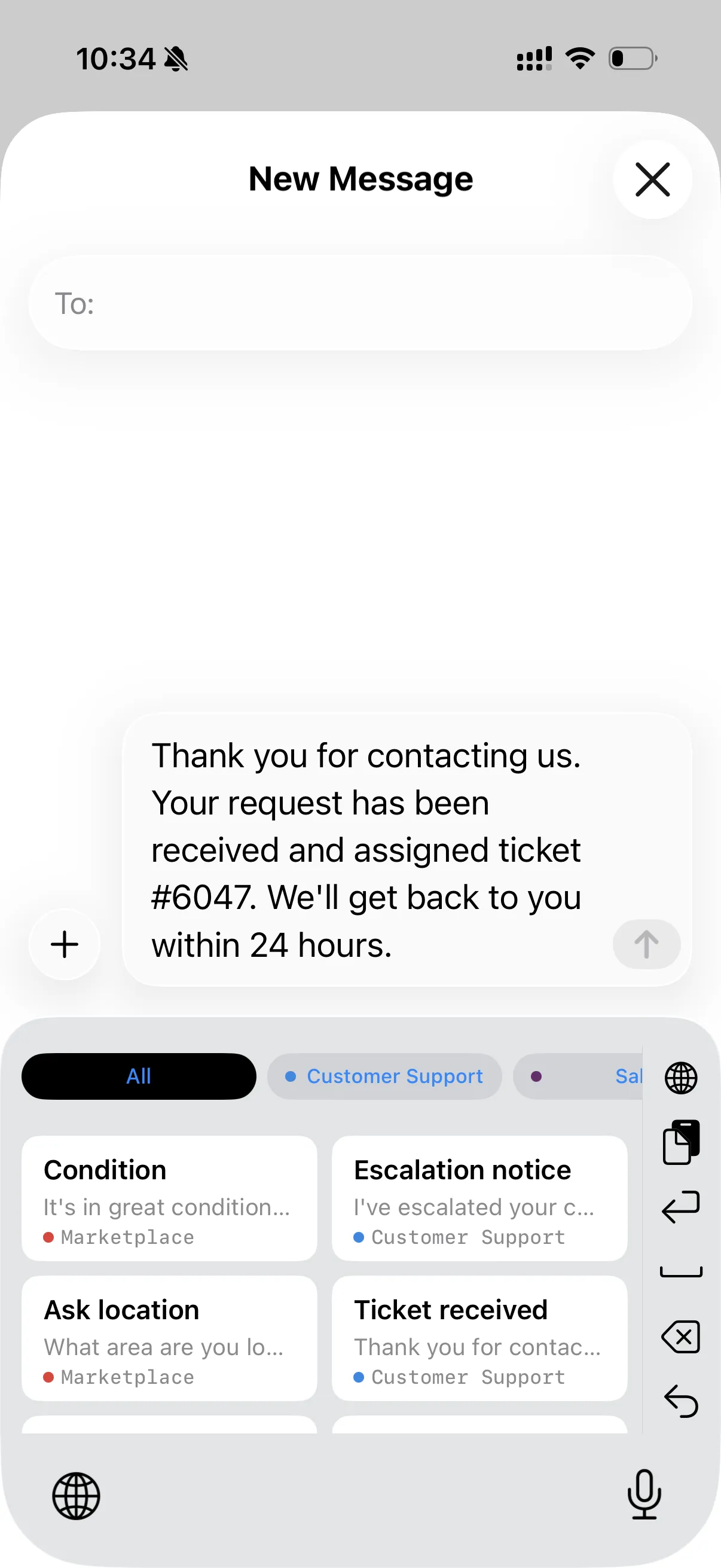
Access every shortcut instantly from a dedicated keyboard that works across all your apps.
Bring in batches of replies from a CSV file and set up hundreds of snippets in seconds.
Cut repetitive typing down to a single tap and keep your workflow moving without friction.
The custom keyboard works system-wide — Messages, Mail, Notes, Slack, browsers and any app that accepts text input.
Yes. TypeShelf is free to download and includes a free plan. Premium unlocks the full experience.
Yes. Import batches of replies from a CSV file to set up many shortcuts at once instead of adding them one by one.
Your shortcuts stay on your device. See the Privacy Policy for full details.
 TypeShelf